
Day One Review: 2026 Overview
The verdict
4.1/ 5 A beautifully designed private journaling app, especially strong on Apple devices.
Day One is the gold standard for a dedicated journaling app, especially on Apple devices. It does journaling beautifully and little else, so pair it with other tools if you want a full self-development system.
Day One is a private journaling app from Bloom Built (part of Automattic) that turns daily writing into something you actually want to keep. This Day One review covers a beautifully made personal development app that is strongest on Apple devices. Bottom line: it is the gold standard for a dedicated journal.
If you want one place to capture your days with photos, location, and prompts, this journaling app is hard to beat. It is a journal first and only, which is its strength and its limit.
What is Day One?
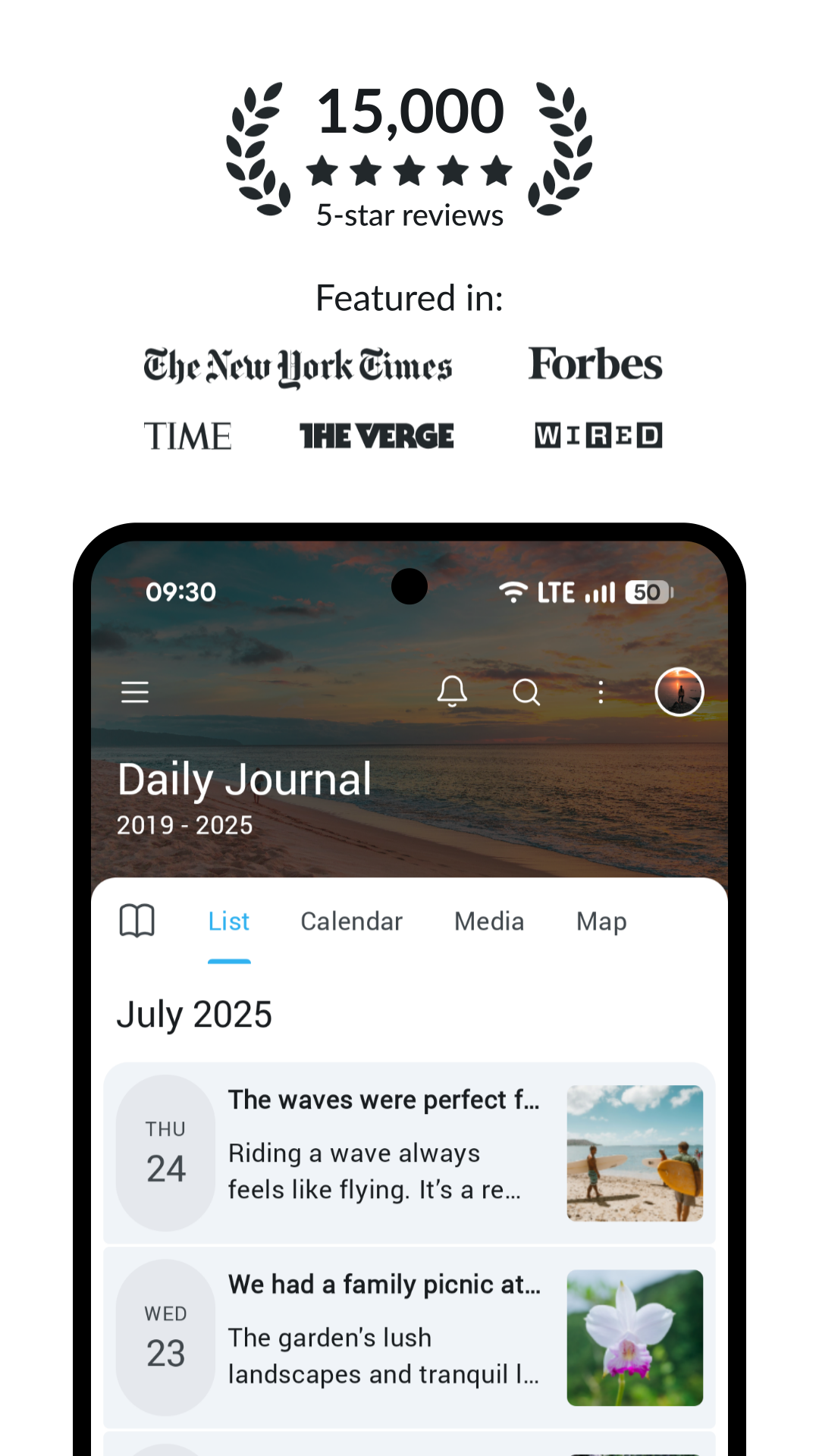
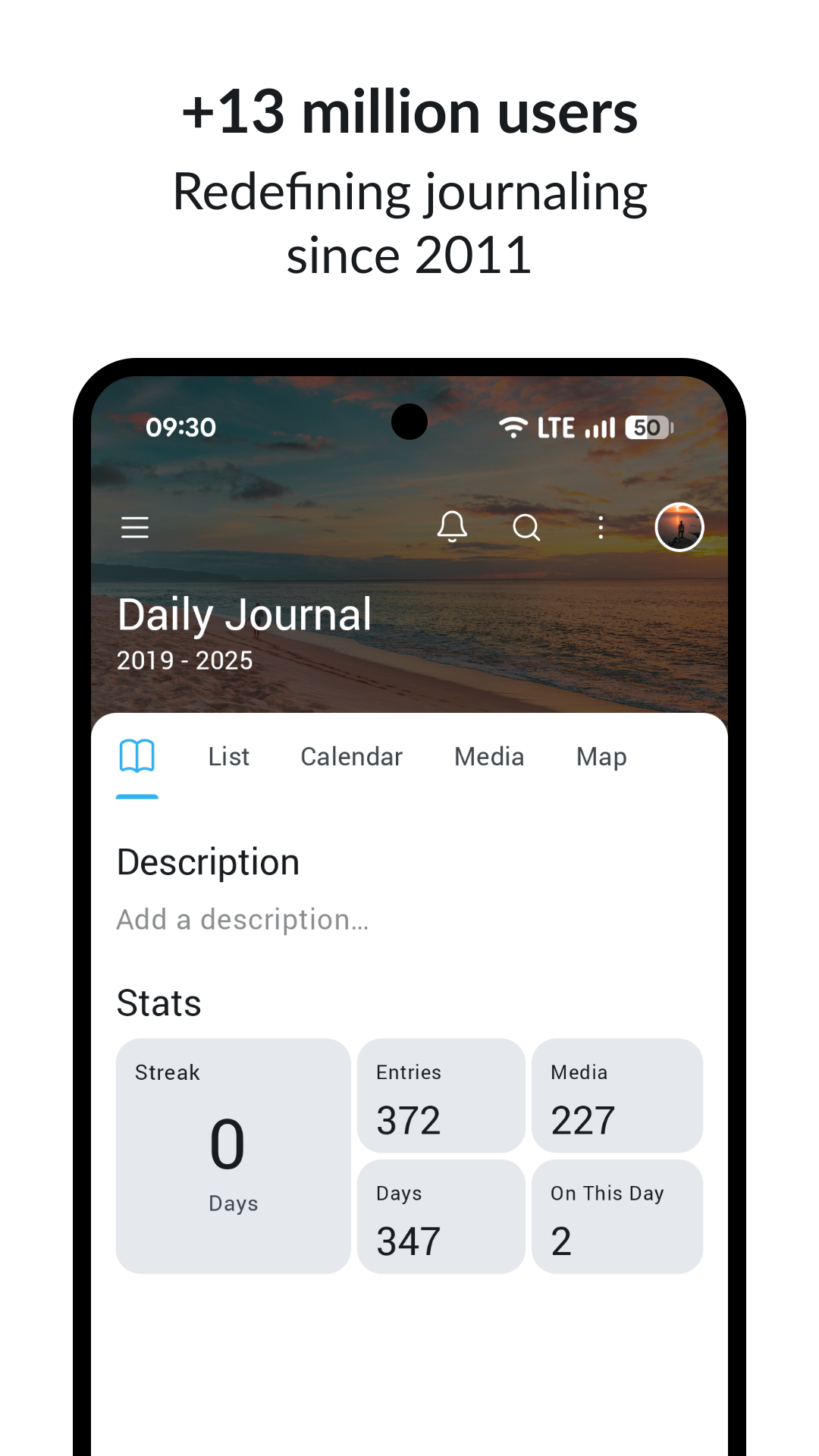
Day One is a private journaling app built for capturing your life as it happens. You write entries, attach photos, and the app can quietly record details like location and date so each entry has context you would otherwise forget. It is available on iOS, Android, and macOS, with the most polished experience living on Apple devices.
Made by Bloom Built, now part of Automattic, Day One has spent years refining one job: making journaling feel effortless and worth returning to. It is not a mood tracker or a course library. It is a place to think, remember, and look back, and it does that better than almost anything else.
Who is Day One best for?
Day One is best for anyone who wants a polished, private journal and cares about how the experience feels. If you are already in the Apple ecosystem with an iPhone, iPad, or Mac, it fits like a glove and syncs cleanly.
It also suits people who want media-rich entries rather than plain text. If your memories live in photos and places as much as in words, Day One was built for you. Writers and anyone building a daily writing habit will feel at home here.
What it's like to use Day One
Opening Day One feels calm. The interface gets out of the way so the page is the focus, and small touches like the typography and smooth transitions make writing pleasant rather than a chore. It is the kind of app you open and then realize you have written more than you meant to.
Adding a photo, dropping in your location, or starting from a prompt all take a tap or two. When you want to revisit something, the search is genuinely good, so finding an old entry is quick. For building a self-reflection habit, that low friction matters more than any single feature.
Day One's features in depth
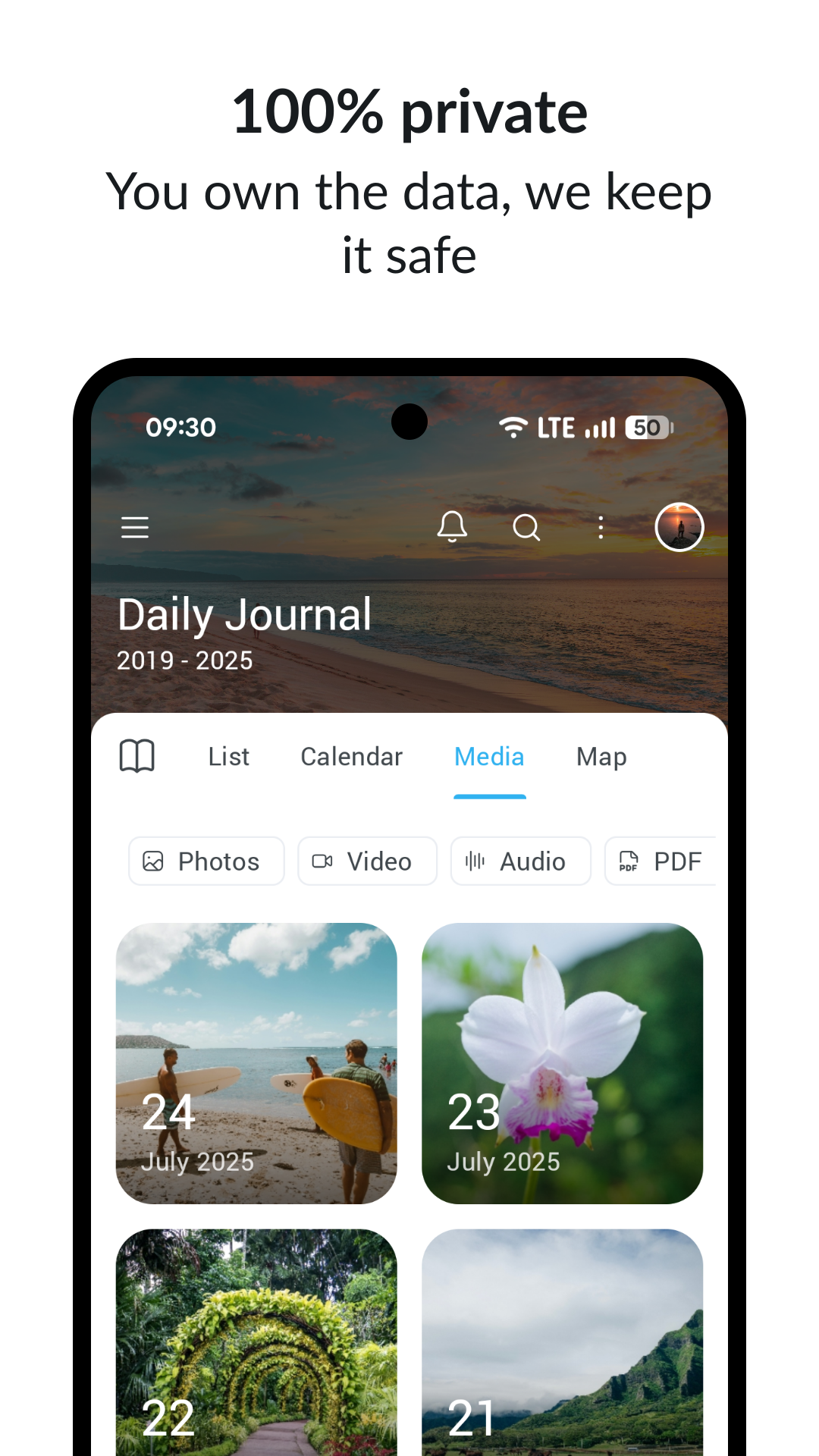
The core of Day One is rich entries. Beyond text, you can attach photos and let the app capture context like where and when you wrote, which turns a quick note into a memory with a place and a time. Over months this builds into a searchable record of your life that is genuinely rewarding to scroll back through.
Prompts give you a nudge when you are not sure what to write, which helps on the days the page feels blank. Search is a standout, letting you surface entries fast across everything you have logged. On the privacy side, Day One offers encryption options so your journal stays yours, which is reassuring for something this personal.
It is worth being clear about the edges. Day One is a journal, so there is no mood plan, no courses, and no guided coaching. It does the writing-and-remembering part beautifully and leaves the rest to other tools.
Day One pricing and value
Day One has a free version that lets you start journaling, with a Premium upgrade that unlocks the fuller experience, including unlimited journals so you can separate work, travel, gratitude, or anything else into their own spaces. For exact pricing, see the pricing section on this page rather than trusting any number you read in passing.
On value, the question is simple: do you want a dedicated journal done extremely well? If yes, Premium earns its keep, especially for committed journalers. If you want journaling bundled with mood tracking, habits, and guidance, you may get more from an all-in-one app, since Day One stays focused on the one thing it does best.
What users say about Day One
Reviewers often praise Day One as the most polished journaling experience they have used, calling out the clean design and how easy it makes a daily writing habit. People who love photos in their entries tend to single out how naturally the app weaves images and places into the story of a day. The search and the ability to look back on past years come up again as quiet favorites.
A recurring complaint is that the Android version trails the Apple one, so non-Apple users sometimes feel they are getting the lesser experience. Others note that it is a journal and nothing more, so anyone hoping for built-in mood plans or guidance ends up reaching for a second app. As always, weigh these themes against your own setup and what you want journaling to do for you.
Day One vs Liven: how they compare
The honest comparison is that these apps aim at different goals. Day One is the gold-standard dedicated journal, the best place to write, attach photos, and look back. Liven is an all-in-one, guided personal development app that brings mood tracking, journaling, courses, habits, and an AI companion together in one place. One is deep and focused; the other is broad and guided.
If journaling is the only thing you want, and you live on Apple devices, Day One genuinely wins on craft and experience. Its writing flow, media handling, and search are hard to match. For that single job it is a fair pick over anything broader, and we would not pretend otherwise.
Where Liven fits better is when you want structure alongside reflection. Day One gives you a blank, beautiful page; Liven adds prompts tied to a wider plan, plus mood patterns, short courses, and habit support that connect the dots between entries. If you want journaling to be one part of an everyday wellbeing routine rather than a standalone practice, the all-in-one approach does more for you.
Maker: Bloom Built (Automattic) · Platforms: iOS, Android, macOS · Approach: Self-guided · Methods: journaling, reflection
Day One plans & pricing
Free tier: Limited free journaling; Premium unlocks unlimited journals and more.
Trial: Free trial on Premium.
Prices approximate, as of June 2026 — verify on the App Store / Google Play. Unlimited journals, end-to-end encryption options and premium features need a subscription.
Cancellation: Cancel through your app-store subscription; your entries remain on your device.
Feature checklist
- Mood trackingLight
- JournalingYes
- AI companion—
- Courses & lessons—
- Meditations—
- Soundscapes / focus music—
- Habit & routine builder—
- RemindersYes
- Quiz / assessment—
- Community—
- Live coaching—
- Crisis resources—
- Data exportYes
- Apple Health / Google FitYes
- Home-screen widgetsYes
- Offline useYes
Day One pros & cons
What's good
- Arguably the most polished journaling experience
- Rich media entries, prompts and great search
- Strong privacy with encryption options
What to weigh up
- Best on Apple; the Android version trails
- It's a journal — no mood plan, courses or guidance
Support
Support runs through Day One's help centre.
Method & credibility
A journaling tool; makes no clinical claims.
Privacy & data
Day One offers end-to-end encryption options; review its privacy policy for specifics.
Third-party ratings
- 4.8 / 5 on App Store — as of June 2026, verify
- 4.5 / 5 on Google Play — as of June 2026, verify
We report independent ratings with their source and date and never invent them. Figures here are approximate and pending verification before launch.
Our data: Day One
Two proprietary indices we score ourselves, on the same scale for every app (see all 20 on the compare page):
Day One FAQ
Is Day One free?
Yes, Day One has a free version you can start journaling with right away. A Premium upgrade unlocks the fuller experience, including unlimited journals. Check the pricing section on this page for current details.
Does Day One work on Android?
Yes, Day One is available on iOS, Android, and macOS. That said, the experience is strongest on Apple devices, and the Android version generally trails the iPhone and Mac apps in polish.
Is Day One good for personal development?
It is excellent for the journaling side of personal growth, with rich entries, prompts, and strong search that make a reflection habit easy to keep. It does not include mood plans, courses, or coaching, so for a fuller wellbeing routine you may want an all-in-one app alongside it.